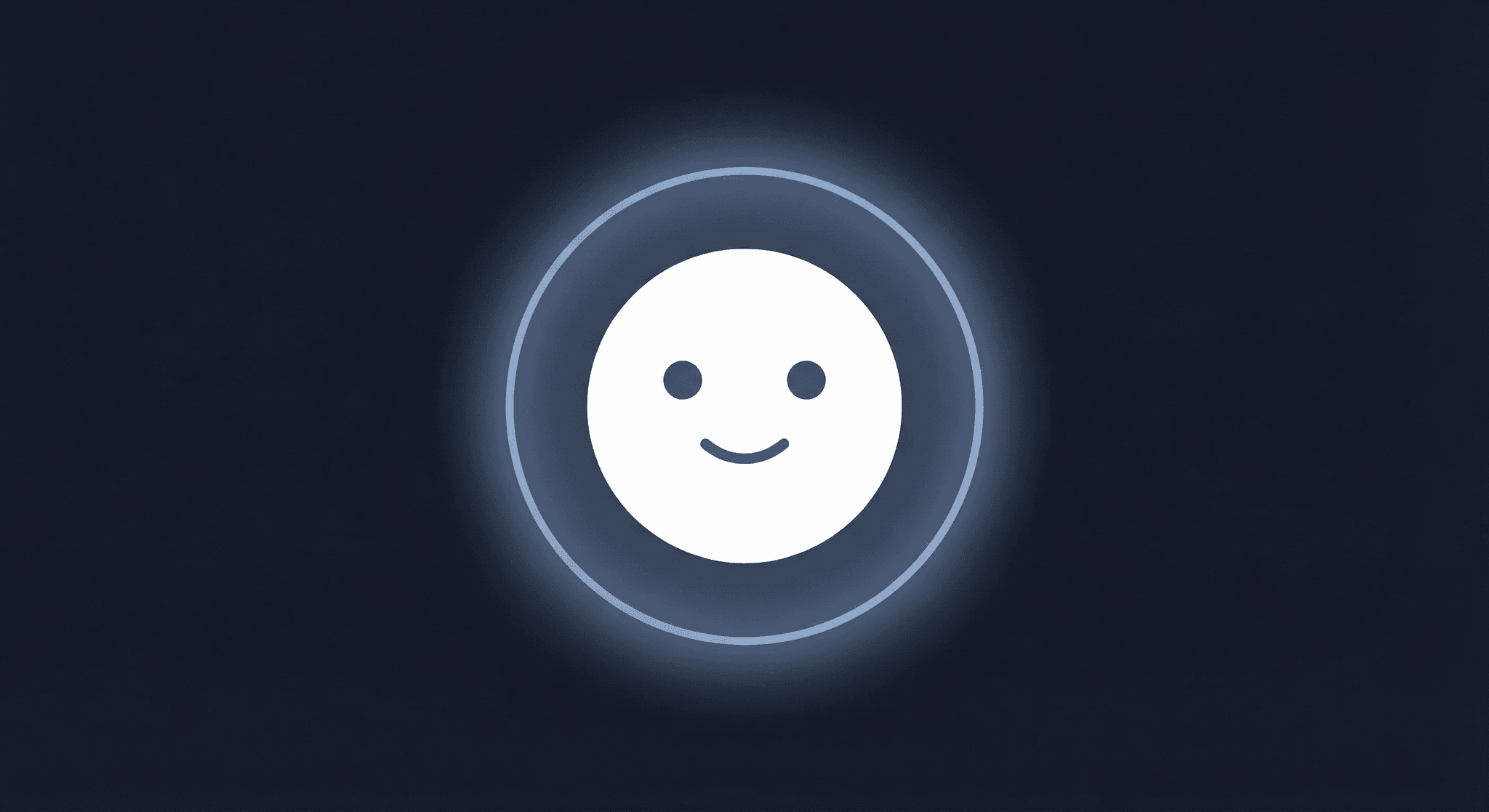
Meet Note
The universal assistant that lives alongside your workflow — in the app, on Discord, and wherever you need help.
 Wedge
WedgeONCE has a growing roster of AI agents. The Chat Agent handles release preparation and distribution. The Validation Agent enforces metadata rules at submission. The Edit Agent maps natural language to structured field edits. The Publishing Agent drafts songwriter credits. Each agent owns a narrow slice of the pipeline and does it well.
But none of them are designed to just help. If you have a question about how ONCE works, need to report a bug, or want to know where a feature lives, the pipeline agents can't help you. That's Note's job.
Philosophy
ONCE's agent architecture draws a hard line between two roles: distribution and advocacy.
The Chat Agent is our primary distribution agent. It collects metadata, requests uploads, orchestrates release submissions, and manages the entire pipeline from draft to delivered. It's transactional and workflow-oriented.
Note is our advocate. She exists to help users navigate the platform, answer questions, surface documentation, report bugs, and bridge the gap between the product and the person using it. She doesn't touch releases. She doesn't collect metadata. She doesn't submit anything to distributors. Her job is to make sure you never feel lost.
This separation is deliberate. Mixing help-desk capabilities into the distribution agent would dilute its focus and introduce ambiguity (does the user want to ask a question, or are they providing metadata)? By keeping Note as a distinct agent with clear boundaries, both agents stay fast and predictable.
┌─────────────────────────────────────────────────────┐
│                   ONCE Agent Suite                   │
├──────────────────────┬──────────────────────────────┤
│   Distribution       │   Advocacy                   │
│                      │                              │
│   Chat Agent         │   Note                       │
│   Validation Agent   │   - Product questions        │
│   Edit Agent         │   - Bug reports              │
│   Publishing Agent   │   - Documentation routing    │
│   Genre Agent        │   - Memory-aware context     │
│                      │                              │
│   (pipeline agents)  │   (universal helper)         │
└──────────────────────┴──────────────────────────────┘
When a user asks Note about releasing music, she doesn't try to handle it. She tells them to open the Chat Agent and offers to help with anything else. When the Chat Agent encounters a general product question, it routes to Note. Clean handoffs, no overlap.
In-App Integration
Note lives inside the ONCE app as a floating assistant in the bottom-right corner. Clicking her face opens a 380px chat panel that overlays the current page. The panel is intentionally small. Note's responses are short, so the UI matches.
The face is an SVG circle built with Framer Motion. Two eyes track your mouse cursor using spring physics. She blinks naturally with occasional double-blinks for personality. During processing, the face dissolves and a gradient ring animates around the shell. On error, she frowns. It's a small thing, but it makes the interaction feel alive rather than mechanical.
Programmatic API
Other parts of the app can trigger Note without the user clicking:
window.NoteAPI.open()    // Open the panel
window.NoteAPI.close()   // Close the panel
window.NoteAPI.toggle()  // Toggle open/closed
window.NoteAPI.reset()   // Wipe conversation and start fresh
Components can also dispatch note-assistant:open as a custom event. This lets us embed "Ask Note" links in error states, empty states, or help tooltips throughout the app.
How She Responds
Note runs on the OpenAI Responses API with gpt-5-mini at low reasoning effort. The combination keeps responses fast (typically under a second) while being accurate enough for product questions and bug triage. Her system prompt enforces tight constraints:
- 2-4 sentence responses unless detail is genuinely required
- No filler phrases
- Straight to the answer
- Links to specific doc pages rather than top-level domains
Every request includes the user's current page URL, referrer, viewport dimensions, timezone, and user agent. Note never asks for this metadata. It's collected automatically by the client and sent with each message. This makes bug reports richer without adding friction.
Memory Access
For logged-in users, Note has access to a search_user_memories tool that queries the Chat Agent's memory store. When a user has been using ONCE for a while, the Chat Agent accumulates facts about them: their artist name, preferred label, genre tendencies, distribution history, and more. These memories are stored in a user_memories table in Supabase with Row Level Security scoping each user to their own data.
Note can search this memory when it would materially improve an answer. If someone asks "what's the status of my latest release?" Note can look up their catalog context without the user having to re-state who they are.
The search is score-based rather than vector-based. Each memory has a key, tags, a JSON value, and an importance score. The scoring algorithm ranks results by:
- Key matches (+12 points): The memory key directly contains the query
- Tag matches (+8 points): A tag on the memory matches the query
- Value text matches (+5 points): The stringified value contains the query
- Term matches (+3/2/1 points): Individual search terms appear in the key, tags, or full text
- Importance (additive): The memory's importance score (1-5) is always added
Results are sorted by score, then by recency, and capped at 8 matches. The system prompt instructs Note to use memory sparingly and never expose unrelated private details.
{
  type: 'function',
  name: 'search_user_memories',
  description: 'Search the logged-in user\'s Chat Agent memories...',
  parameters: {
    query: { type: 'string' },
    limit: { type: 'integer', minimum: 1, maximum: 8 }
  }
}
If the user isn't authenticated, the tool is excluded from the tool list entirely. Note never sees it and never hallucinates its availability.
Web Search and Site Awareness
Note's second tool is web_search_preview with medium search context. She uses this to answer questions that go beyond what's in her training data or the user's memory; things like "does ONCE support TikTok distribution?" or "how do I set up the MCP server?"
To keep answers grounded in official sources, the system prompt prioritizes docs.once.app and dev.once.app. When Note cites a URL from OpenAI's web search, the server writes utm_source=noteapp so we can track which traffic originated from Note conversations.
Note also carries a complete site tree of the ONCE ecosystem. Every page across the marketing site, app, and docs. When a user asks "where do I find my analytics?" Note can link directly to the page. And when a user says "take me to my analytics," Note can navigate them there automatically using the navigate_to_once_url tool. Navigation is server-validated to only allow beta.once.app URLs — external sites are always refused.
Issues and Automatic Fixes
Issue reporting is one of Note's core workflows. Note decides whether the user needs an
answer, an in-chat tool, an automatic background fix, or a human handoff. Automatic
fixes use an invisible <!--NOTE_FIX_NEEDED: ...--> marker, then run against the
authenticated user's account with a deny-by-default tool set.
The user sees a persistent, minimal progress card rather than internal execution logs. When the run finishes, Note posts a short outcome. If it cannot finish safely, the thread moves to the admin Action Needed queue with a concrete next step. Destructive actions are never automatic; account deletion uses a dedicated double-confirmation flow.
Screenshots are compressed client-side to under 4MB using canvas downscaling and progressive JPEG quality reduction before being sent as a FormData attachment.
Conversation Logging
Every Note conversation is logged to Slack for team review. The logging happens at natural boundaries: page unload, component unmount, conversation reset, and API-triggered wipes.
When POKE_API_KEY is configured, the same Note events are also sent to Poke with an attention label (Needs attention vs Handled by Note). Bug reports and open questions are flagged for review; routine conversations where Note resolved the request are sent as FYI. This mirrors the Slack feed but gives Poke enough context to triage what needs a human response.
The log uses additional AI summarization. Note writes a first-person recap of the conversation in a warm, concise style. The summary includes a title, Note's recap, the user's intent, key moments, and follow-up items. This gives the team a quick scan of what users are asking about without reading full transcripts.
To avoid duplicate logs, each conversation has a unique session ID and the system tracks a transcript hash. If the hash hasn't changed since the last log, the flush is skipped.
Discord Integration
Note extends beyond the app (with further expansion planned!). On Discord, the /ask
command answers general questions. Bug Bot and /bug-report are retired; issues belong
in in-app Note so screenshots, fix progress, and team follow-up stay in one thread.
The Discord persona is slightly different: a warm, playful music expert who naturally weaves in music puns and production references. Helpfulness always comes first, but there's a bit more flair. This matches the tone of the community server.
Discord responses use a multi-pass search strategy:
- Docs-biased search: Web search that prioritizes
docs.once.appand other ONCE domains - Broad search fallback: If docs-biased search returns nothing useful, a broader web search runs
- Knowledge fallback: If both searches fail, Note answers from training data alone
Each pass is progressively more relaxed. The first pass demands ONCE-specific sources. The second accepts any relevant source. The third acknowledges the answer might be general. This gives users the best possible answer at every level of availability.
Follow-up conversations on Discord use context markers embedded in spoiler tags (||note_ctx:v1:..||). These invisible markers carry a compressed snapshot of the prior exchange so subsequent questions in the same thread maintain context without requiring database state.
The Universal Agent Pattern
Note's architecture is intentionally portable. Core capabilities such as web search, memory access, site awareness, and account-scoped fixes are backend tools with explicit security boundaries. The in-app version owns issue fixing and persistent threads; the Discord version remains a lighter question-answering surface.
This portability is the point. Note can live anywhere users are. Right now that's two places: the ONCE app and the ONCE Discord server. We're exploring expanding this to more surfaces, like an OpenClaw integration where Note could proactively text users with release status updates, delivery confirmations, or action items that need attention.
The pattern looks like this:
┌────────────┐  ┌────────────┐  ┌────────────┐
│  ONCE App  │  │  Discord   │  │  Future    │
│  (React)   │  │  (Webhooks)│  │  (SMS/etc) │
└─────┬──────┘  └─────┬──────┘  └─────┬──────┘
      │               │               │
      └───────────┬───┘───────────────┘
                  │
          ┌───────▼────────┐
          │   Note Core    │
          │                │
          │  - Web search  │
          │  - Memory      │
          │  - Site tree   │
          │  - Bug submit  │
          └────────────────┘
Each surface adapts Note's personality and interaction model to fit the medium, but the underlying tools and knowledge base are shared. Adding a new surface means writing a thin adapter, not rebuilding the agent.
What's Next
We're looking at a few directions:
- Proactive outreach: Note currently waits for users to come to her. We want to explore scenarios where she reaches out. Delivery status changes, releases needing attention, or helpful tips triggered by user behavior patterns.
- Deeper memory integration: Right now Note reads memories but doesn't write them. Teaching her to persist facts from help conversations (like "this user prefers to be notified about store delivery timing") would make future interactions more personalized.
- More surfaces: Beyond Discord and the app, Note could live in email digests, push notifications, or third-party messaging platforms. The universal pattern makes this straightforward; the hard part is finding the right moment to reach out without being noisy.
Note is a helper. She doesn't distribute music or enforce metadata rules. She makes sure that when you have a question, need to report something, or just want to understand how the platform works, there's always someone there to help. Wherever you are.
Note is live inside the ONCE app and on our Discord server. Click her face in the bottom-right corner to say hello.